
Published · By Henry Palma
How to Keep a Mileage Log as a Gig Driver: What to Record and When
Record the date, miles, destination, and purpose of each business trip as you drive. Here is what IRS Publication 463 expects and a simple weekly habit.
If you drive or deliver for gig apps, write down your business miles at or near the time you drive them, not at tax time. For each trip or shift, record the date, the miles, where you went, and why it was for work, and note your odometer at the start and end of the year. A log kept that way is much easier to trust, and much easier to defend, than a number you reconstruct months later.
This is a recordkeeping guide, not tax advice. Rules depend on your situation, so check current IRS guidance or ask a tax professional before you file.
Why a mileage log matters for gig drivers
Miles are often the biggest cost of gig driving, and they are also the easiest record to lose. Gas receipts pile up on their own. Miles do not. If you never write them down, you have nothing to work from when it is time to figure your car expenses.
The IRS lets you figure business car expenses in one of two ways: the standard mileage rate or your actual car expenses. Both depend on knowing how much of your driving was for business, so you need your business miles either way. The IRS sets the standard mileage rate each year, so look up the current rate in IRS Publication 463 instead of reusing last year's number.
What to record for each trip
IRS Publication 463 lists the details it expects for car expenses. In plain terms, your log should cover:
- Date of each business use of the car
- Miles for each business use
- Destination, or the general area you drove in
- Business purpose, such as "Uber shift" or "DoorDash deliveries"
You also need the total miles you drove for the year, business and personal together, and the date you started using the car for business. The simplest way to get the yearly total is to write down your odometer reading on January 1 and again on December 31.
Publication 463 also says several stops that make up one uninterrupted business use, like a delivery route, can be recorded as a single entry. You do not need a separate line for every drop-off.
Log it at or near the time
The IRS says a record made at or near the time of the trip carries more weight than a statement written later, when memory is fuzzy. You do not have to write it down the same day. Publication 463 says a log you keep on a weekly basis that accounts for that week's use counts as a timely kept record.
A practical habit:
- At the end of each shift, note the date, the platform, and the miles.
- Once a week, check that every day you drove has an entry.
- Fill any gaps from the trip history in each app while it is still easy to find.
- Keep your weekly log somewhere you will not lose it, not only on paper in the car.
Keep business and personal miles apart
Not every mile in your car is a business mile. Trips you would take anyway, like errands or a drive home from the gym, are personal. Whether the drive from home to your first ride or delivery counts depends on your situation, so this is a good question to bring to a tax professional.
Keeping the purpose on each entry is what lets you separate business miles from personal ones. A log that only shows totals makes that split hard to prove later.
Track miles by platform
If you work more than one app, label each entry with the platform. That lets you compare what each app pays against the miles it takes to earn it. A platform with bigger payouts can still leave you with less if it sends you much farther for each order.
Platform trip histories help, but they do not always show every mile you drove for work, and they live in separate apps. Your own log is the one place where all of it lines up.
How long to keep your mileage records
Keep your mileage log with the rest of your tax records for at least as long as the IRS can examine that return. The IRS explains the time periods in How long should I keep records?. A digital copy is safer than a notebook in the glovebox.
Keeping a mileage log on your phone
Any method works if you use it every week: a notebook, a spreadsheet, or an app. What matters is the date, miles, destination, and purpose for each business trip.
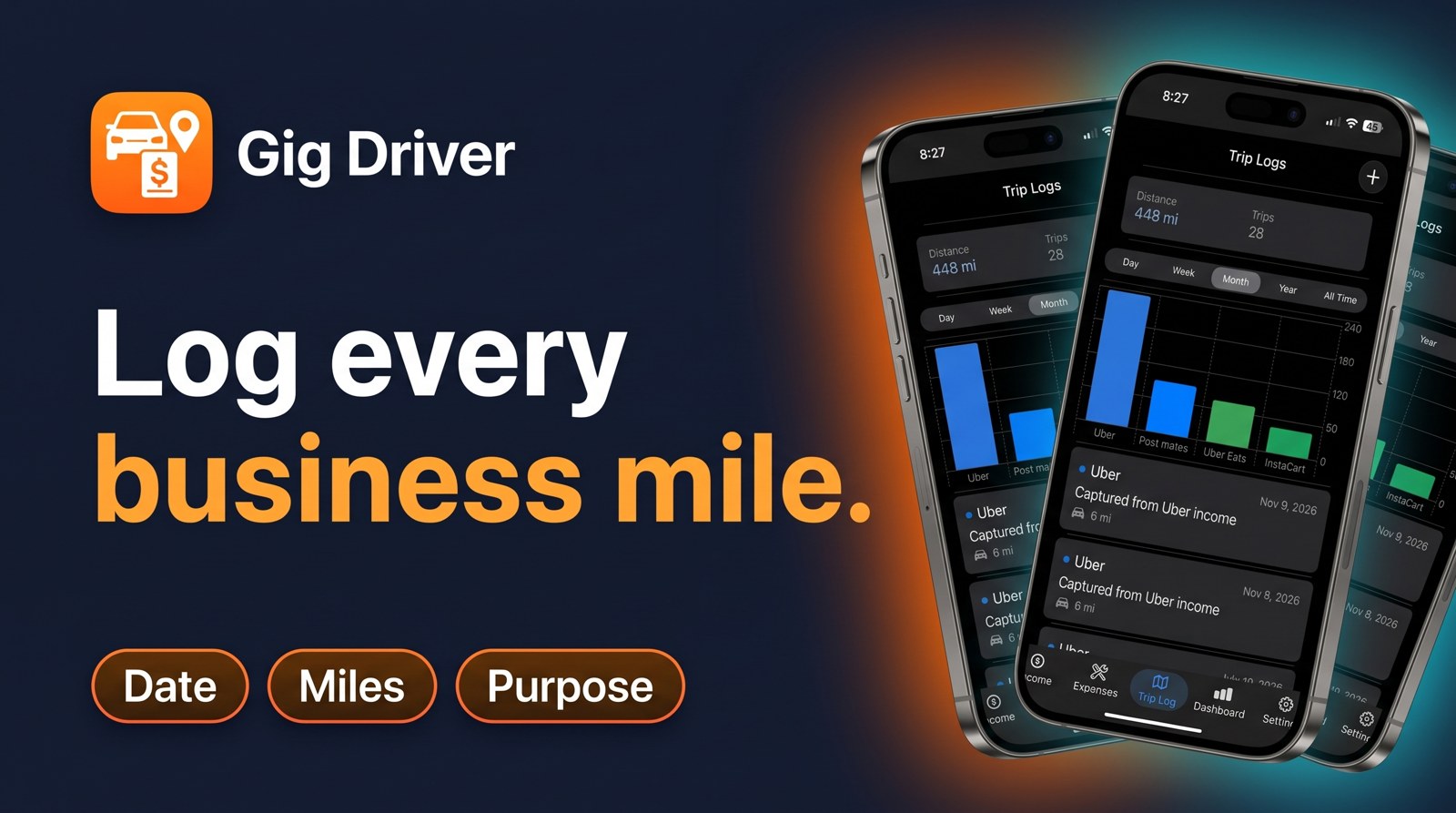
If you want an app built for gig drivers, Gig Driver: Income Tracker has a Trip Log that shows your distance and number of trips by day, week, month, year, or all time, broken out by platform. When you use Import Screenshot on an Uber earnings screenshot, it fills in the platform, amount, and miles for you to review and save. The same app also tracks expenses by category, vehicle maintenance, income from several platforms, and your profit after expenses.
The short version
- Record the date, miles, destination, and business purpose for each business trip.
- Write down your odometer at the start and end of the year.
- Log at the time, or at least weekly.
- Label each entry by platform and keep personal miles out.
- Check the current IRS standard mileage rate and rules in Publication 463, or ask a tax professional.