
Published · By Henry Palma
How to Create a Private Lesson Package in Sweet Studio
Customers buy a solo or couple private lesson package from the Lessons tab in their Sweet Studio portal, and one QR code tracks how many lessons are left.
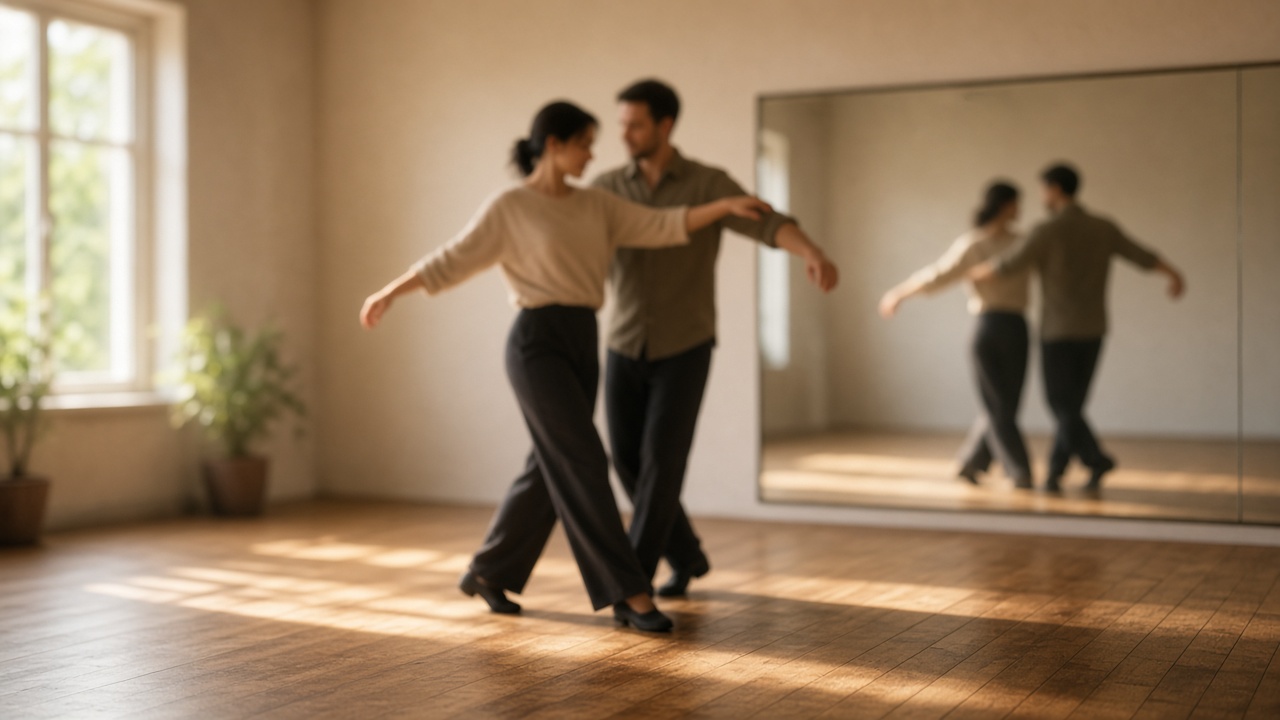
In Sweet Studio, private lesson packages are sold as a flat-priced package, not from a customer's credit balance. Customers buy them from the Lessons tab in their portal. One QR code covers the whole package and tracks how many lessons are left.
This walkthrough uses the Customer guide section "What are Private Lessons?" for what students see, and the Owner guide sections on creating a package, checking a lesson in, and reviewing purchases for setup. The Sweet Studio homepage describes the same offer as solo or couple packages, with one QR that tracks remaining lessons.
What customers see in their portal
Customers open the Lessons tab to see the studio's private lesson packages. Each package is priced as a package, solo or couple, and is not credit-based.
After they buy one, they get a single QR code that covers the whole package. They show that same code at each lesson. Staff scan it to track how many lessons are left. Once every lesson in the package is used, that code stops working, and the customer would buy a new package to continue.
Scheduling is arranged directly with the studio. The Customer guide says this happens with you, not through the app.
Why private lesson packages help studio owners
Group classes and private lessons can live in the same portal, but they work differently. A private lesson package is a flat dollar price, completely separate from credits and wallets. The customer pays once for a set number of lessons, then you track redemptions with one QR code.
You can offer Solo (1 person) or Couple (2 people) packages. If you need to stop selling a package that already has purchases, the Owner guide says to deactivate it rather than deleting it, so existing customers' purchases and QR codes stay intact.
The customer journey
- The customer opens the Lessons tab in their portal and chooses a solo or couple package.
- They buy the package. They receive one QR code that covers every lesson in it, not a new code each time.
- They arrange lesson times directly with you.
- At each lesson, they show the same QR code. You scan it in Check-In. Each scan deducts one lesson and shows how many are left.
- When every lesson has been used, staff who scan that code again see an "already used all lessons" message, instead of the scan failing silently. The customer buys a new package if they want to continue.
If a customer does not have the QR handy, switch to the Manual tab in Check-In, choose Lessons, and search by customer or package name to check them in directly. You do not need to pick a class or event first. The package QR is recognized automatically.
How to set up a private lesson package
- Go to Private Lessons and click + New package.
- Set a name, choose Solo (1 person) or Couple (2 people), how many lessons the package includes, and its price. This is a flat dollar price, not credit-based.
- Mark it Active. It then shows up for customers to buy from the Lessons tab in their portal.
- To retire a package that has already been sold, deactivate it rather than deleting it. That keeps existing customers' purchases and QR codes intact.
- To see who bought a package and how many lessons they have left, go to Private Lessons and open the Purchases tab, next to Packages. Each purchase is listed with an "X of Y used" badge for lessons remaining. A search box filters by customer or package name.
If your studio has not accepted a payment yet, connect Stripe first in Settings. The Owner guide says the portal cannot accept real payments until Stripe shows "charges enabled."
A practical close
Create the package, mark it Active, and let customers buy it from the Lessons tab. They arrange the lesson times with you, and the same QR code tracks what is left until the package is used up.
Visit sweetstudio.app.
No monthly fee. Pay only when you make a sale.