
Published · By Henry Palma
How to Sell Video Courses in Sweet Studio
Customers buy a Sweet Studio video course once from the Video Courses tab and stream it from their account. Here is how to create and price one.
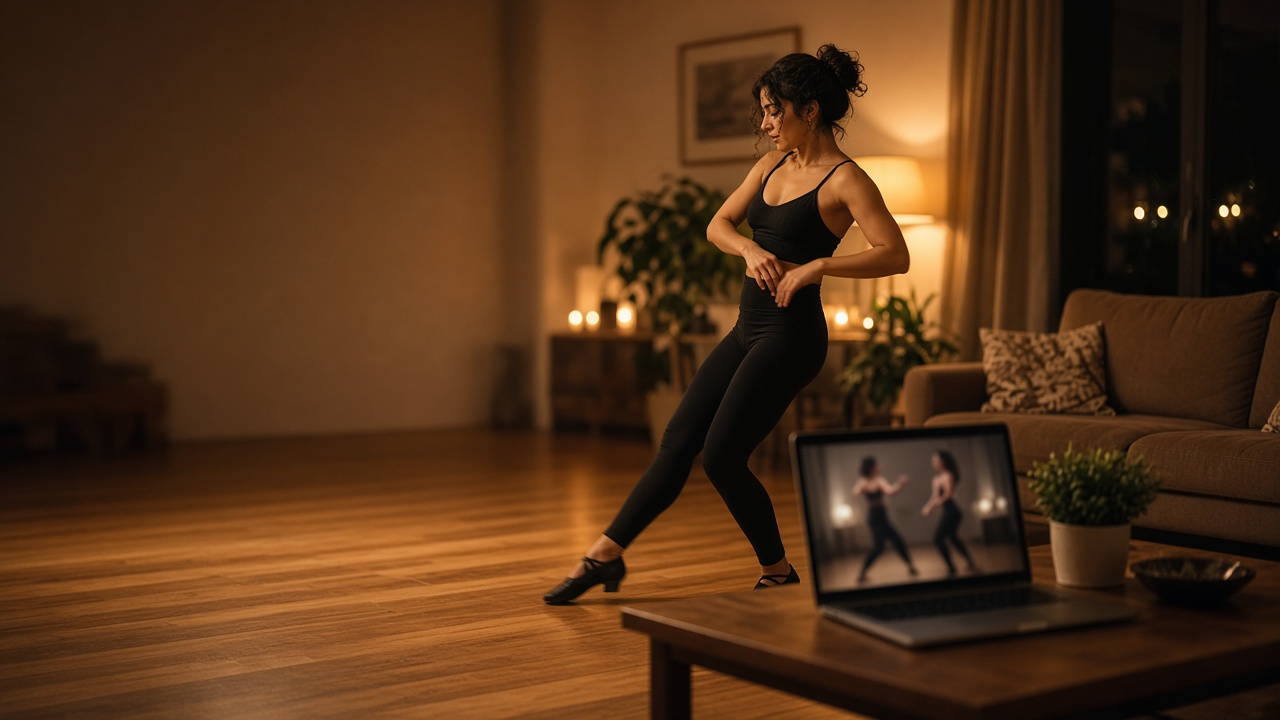
Video Courses in Sweet Studio let you sell recorded classes online. Customers browse them in the Video Courses tab of their portal, buy once, and stream every video in the course from their own account whenever they want to practise.
This walkthrough uses the Customer guide section "How do Video Courses work?" for the student side, and the Owner guide section "I want to create and sell Video Courses" for setup. The Sweet Studio homepage describes this feature as on-demand video: recorded choreography and technique breakdowns students can practise at home.
What customers see in their portal
Customers open the Video Courses tab to browse your on-demand classes. Each card shows the course's cover image, description, and price.
They purchase a course once, and it unlocks under My Videos. From there they stream each video securely from their account. Courses they have not bought yet stay listed under Available to Buy.
There is nothing to book or redeem. The Video Courses page notes that customers get permanent access after purchase, unlike Private Lessons, which are tracked lesson by lesson.
Why video courses help studio owners
A video course lets you sell a lesson once and keep selling it. A choreography breakdown or a technique drill you already teach in class can become something students buy and practise at home between classes.
You can bundle one or more videos under a single dollar-priced purchase, so a short drill and a full multi-part routine are both easy to package. You can also set a course as free.
Your videos stay private. The Video Courses page states they are never publicly accessible and are only streamed to a customer who has actually purchased that course.
The customer journey
- You mark the course active, and it appears in the Video Courses tab of the customer portal.
- The customer sees the cover image, description, and price on the course card.
- They purchase it once and pay through Stripe.
- The course moves to My Videos, where they can stream each video securely from their account.
- Access is permanent. There is no schedule, booking, or QR code involved.
How to set up a video course
- Go to Video Courses and click + New class.
- Set the title, description, and cover image, and add one or more videos.
- Set a price, or make it free.
- Mark it active so customers can purchase it from their Video Courses tab and stream it securely from their account.
A few details from the Video Courses page are worth knowing before you set prices:
- A $2 video hosting fee is added to every purchase automatically, on top of your listed price. You still receive your full listed price minus only the normal platform fee.
- Deactivating a course hides it from the customer portal. Customers who already bought it keep their access.
If your studio has not accepted a payment yet, connect Stripe first in Settings. The Owner guide says the portal cannot accept real payments until Stripe shows "charges enabled."
A practical close
Pick one routine or technique your students ask about most, record it, and create a course with a clear cover and description. Mark it active, and your students can buy it from the Video Courses tab and practise at home as often as they like.
Visit sweetstudio.app.
No monthly fee. Pay only when you make a sale.