
Published · By Henry Palma
Use My Progress in Math Pro Challenge to Find and Fix Your Weak Spots
Accuracy, speed, and daily activity show where your math needs work. Here is how to read your progress, pick a weak topic, and practice it on purpose.
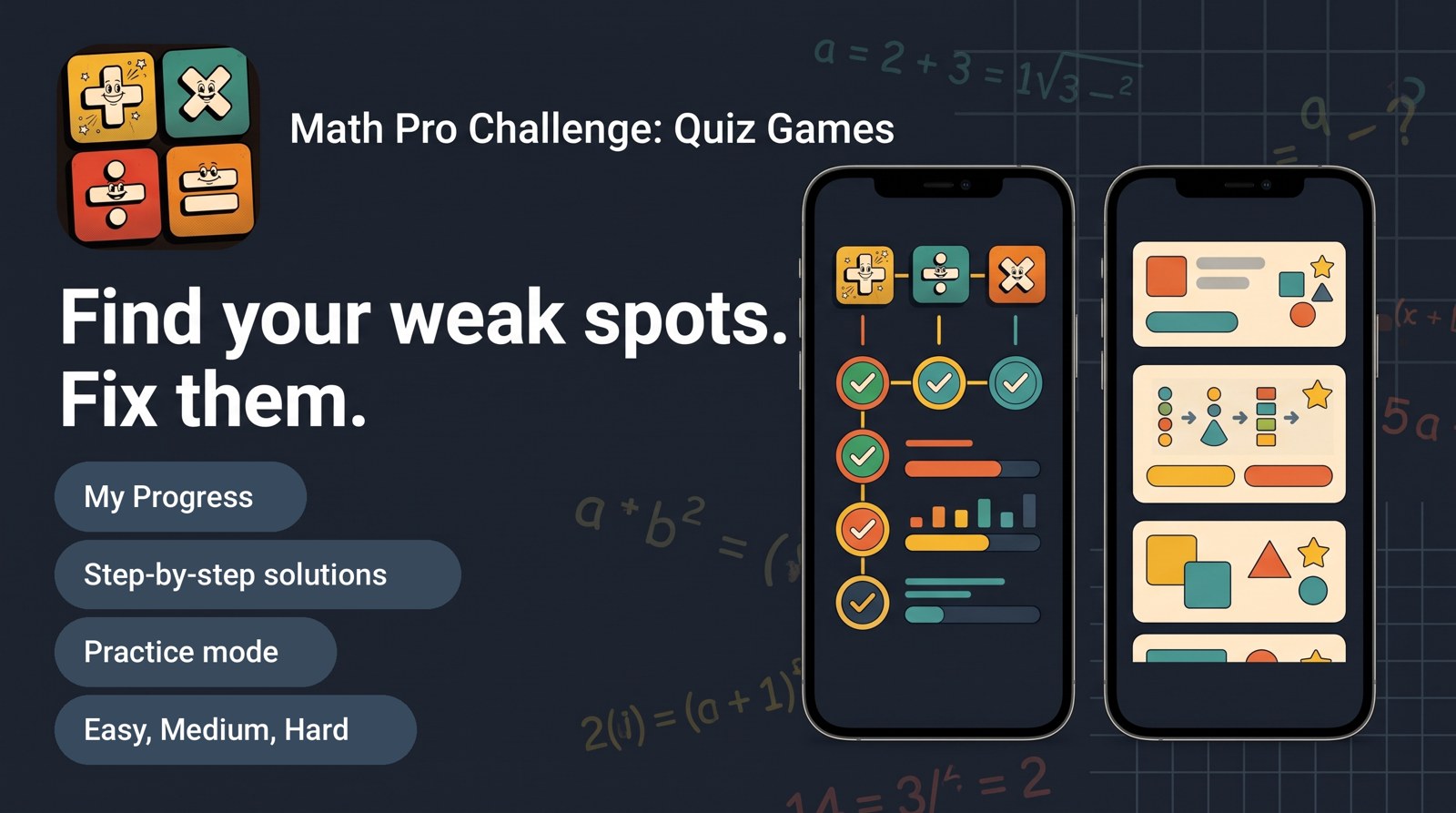

Most math practice is spent on problems you can already do. It feels productive, but it's not where you improve. The fastest way to get better is to find the topics you miss most and practice those on purpose. Math Pro Challenge 1.1 added My Progress, which shows your accuracy, speed, daily activity, and weak spots, so you can stop guessing what to work on.
Accuracy and speed tell you different things
Accuracy is how often you get questions right. Low accuracy on a topic usually means a missing concept or a step you keep skipping.
Speed is how long you take. Slow but accurate usually means you understand the idea but haven't practiced it enough for it to feel easy.
Read them together:
- Low accuracy: go back to the concept. Read the step-by-step solutions after each answer.
- High accuracy, slow speed: do more short practice rounds on that topic until it feels automatic.
- High accuracy, fast speed: this is a strength. Move up a difficulty or a school level.
Pick one weak spot at a time
It's tempting to fix everything at once. Instead, choose the one topic that shows up as your weakest and focus on it for a week. Practice it at Easy until you're consistent, then Medium, then Hard.
Use practice mode for the work
Practice mode lets you focus on a single topic and difficulty, and it doesn't affect your challenge stars or competitive record. That makes it the right place for weak-spot work, where you expect to miss more.
After each practice set:
- Read the step-by-step solution for every miss.
- Write down the step that tripped you up.
- For geometry, open the built-in formula reference instead of guessing a formula.
Use daily activity to stay consistent
Short practice most days beats one long session a week. Daily activity in My Progress shows whether you're actually practicing as often as you think. Pair it with your daily streak to keep the habit going.
New topics to explore
Version 1.1 also added five new topics: Trigonometry, Precalculus, Calculus, Statistics, and Logic. If you're comfortable with arithmetic, geometry, and algebra, these give you new places to find (and fix) weak spots.
Then test yourself
Once a weak spot looks better in practice, take a solo challenge or a turn-based match on Game Center to see if it holds up under pressure.
Get Math Pro Challenge
Math Pro Challenge: Quiz Games offers Elementary, Middle School, and High School levels, five-question solo challenges, turn-based Game Center matches, practice by topic at Easy, Medium, or Hard, step-by-step solutions, a geometry formula reference, and dedicated answer controls for fractions, decimals, and coordinate pairs. Pro adds unlimited rounds, Versus matches, and Streak Freeze.