
Published · By Henry Palma
Gig Driver Expense Categories: How to Sort Your Driving Costs
Sort every gig driving cost into a short list of categories like gas, maintenance, insurance, and parking to see where your money goes and keep tidy records.
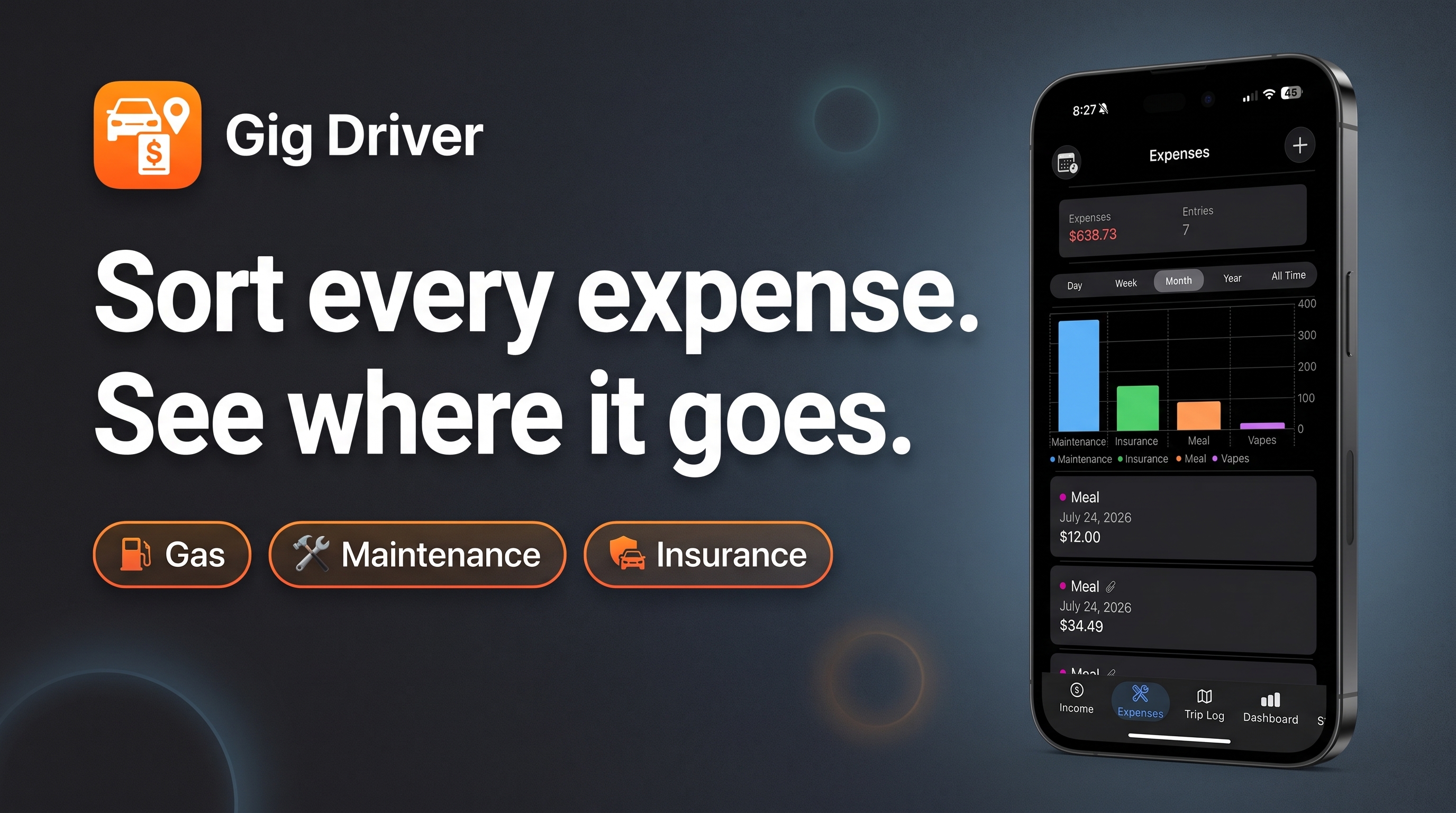
Sorting each driving expense into a category as you log it shows you where your gig money goes, makes it easier to spot costs that are creeping up, and leaves you with organized records at tax time. A short, consistent list of categories works better than a long one you stop using after a week.
Why categories matter
A pile of receipts tells you that you spent money. Categories tell you what on. When every expense has a label, you can answer questions like:
- How much did gas or charging cost me this month compared with last month?
- Is maintenance climbing as the car gets older?
- How much of my spending is fixed (insurance, phone) versus tied to how much I drive?
Those answers matter for deciding which hours and apps are worth your time, and they matter again when you or your tax preparer sit down to sort out the year.
A simple set of categories for gig drivers
You don't need dozens of labels. Most rideshare and delivery drivers can cover nearly everything with a list like this:
- Gas or charging: fuel and EV charging for work driving.
- Maintenance and repairs: oil changes, tires, brakes, batteries, and shop repairs.
- Insurance: your auto policy and any rideshare or delivery coverage add-on.
- Car washes and cleaning: washes, vacuuming, and interior cleaning supplies.
- Parking and tolls: business-related parking and toll charges.
- Phone and data: your phone plan and accessories like mounts and chargers.
- Supplies: insulated delivery bags, water or snacks for passengers, and similar items.
- Fees and subscriptions: platform fees or work-related subscriptions you pay for.
- Other: anything that doesn't fit, so nothing goes unlogged.
Adjust the list to how you actually work. A delivery-only driver may never buy passenger snacks; an EV driver may only need "charging." The goal is that every expense has an obvious home.
Keep personal and business separate
Not everything you spend while driving is a work expense. Groceries you pick up on the way home, a meal with friends, or a repair after a personal road trip belong in your personal budget, not your gig records. If an expense is partly personal, like a phone you also use for everything else, note that so it can be split properly later.
How categories relate to car deductions
The IRS generally lets self-employed drivers figure car costs one of two ways: the standard mileage rate, or actual car expenses such as gas, repairs, tires, insurance, and depreciation. Business-related parking fees and tolls can be deducted in addition to either method, according to IRS Publication 463.
That's one reason to keep car costs in their own categories even if you plan to use the standard mileage rate: you'll still have a clear record of what the car really cost you, and you can compare both methods. The rules have details and limits, so check current IRS guidance or a tax professional before you file.
Habits that keep categories useful
- Pick the category when you log the expense, not weeks later when you've forgotten what a charge was for.
- Keep the receipt with the entry. The category says what it was; the receipt proves it.
- Use the same names every time. "Gas" one week and "Fuel" the next splits one cost into two.
- Review totals by category once a month. A quick look shows which costs are rising before they surprise you.
- Log mileage alongside expenses, since miles are the other half of your car records.
Tracking it on your phone
You can do all of this with a spreadsheet or a notebook. If you'd rather do it on your phone, Gig Driver: Income Tracker is one option. You pick a category for each expense, Scan Receipt pulls the amount and date from a receipt photo and keeps the receipt attached to the entry, and the Expenses tab charts your spending by category for the day, week, month, or year. It also keeps a Trip Log for mileage, tracks income across multiple platforms, and shows your profit after expenses, so your categorized costs sit right next to what you earned.
Whatever tool you use, the habit is what counts: label every expense the day it happens, and your records will already be organized when you need them.