
Published · By Henry Palma
Gig Driver Receipts: What to Keep and How to Organize Them
Each receipt should show the payee, amount, date, and business purpose. Here is what gig drivers should keep and a same-day habit so receipts don't fade.
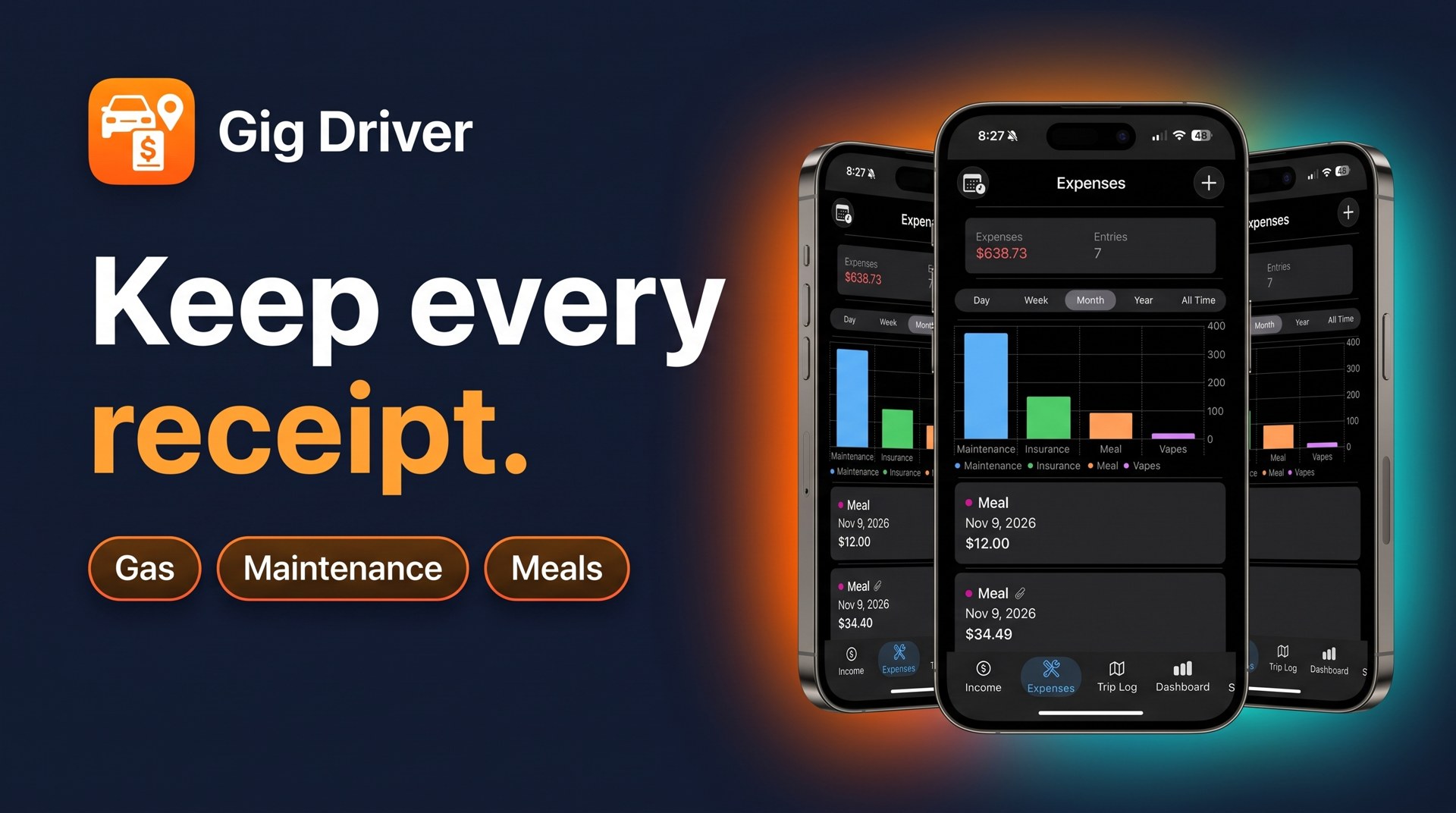
Every receipt you keep should show who you paid, how much, the date, and what it was for. Capture it the same day, sort it into a category, and store a copy that won't fade. That simple habit is what makes your expense numbers hold up at tax time.
What a useful receipt shows
The IRS says supporting documents for business expenses should identify:
- The payee: the gas station, shop, or store you paid
- The amount paid
- Proof of payment: a receipt, card statement, or similar record
- The date
- A description showing the cost was for your business
One document doesn't always cover all of that. A card statement shows the payee and amount but rarely says what you bought, so the IRS notes that a combination of documents may be needed. A receipt plus a short note ("oil change, delivery car") usually fills the gap. See the IRS page What kind of records should I keep for the full list.
Common receipts gig drivers collect
Most of the paper a rideshare or delivery driver gathers falls into a few groups:
- Fuel or charging
- Maintenance and repairs: oil changes, tires, brakes, car washes
- Parking and tolls paid while working
- Phone and accessories: mounts, chargers, part of a phone bill
- Insurance and registration
- Supplies: insulated bags, water for riders, cleaning products
Which of these you can deduct, and how much, depends on your situation. For example, if you use the standard mileage rate, you generally can't also deduct actual car costs like gas and repairs, although IRS guidance says you can still deduct business-related parking fees and tolls. IRS Publication 463 covers car expenses in detail. Keep the receipts either way and check with a tax professional before you file.
Why same-day capture matters
Many gas station and store receipts are printed on thermal paper. Left on a hot dashboard or in a wallet for weeks, the print can fade until the amount and date are unreadable. A photo taken the same day doesn't fade.
Same-day capture also helps you remember what the purchase was for. A $40 charge is easy to explain the afternoon you made it and hard to explain in April.
A simple system that works
- Snap it right away. Take a clear photo before the receipt goes into your pocket, with the total and date in frame.
- Log it with a category. Record the amount, date, and category (fuel, maintenance, parking, and so on) so totals are easy to see later.
- Add a short note if the receipt doesn't explain the business purpose.
- Review once a week. Match the week's card charges against your logged receipts and fill in anything missing.
- Store by year and type. The IRS suggests organizing documents by year and type of income or expense, and keeping them in a safe place. Back up your photos.
How long to keep them
There isn't one answer for everyone. The IRS explains the time periods that apply in How long should I keep records?. When in doubt, keep them longer and ask a tax professional.
Keeping receipts in one place
A shoebox works if you're disciplined about it. If you'd rather keep receipts with the rest of your driving numbers, Gig Driver: Income Tracker has a Scan Receipt feature that pulls the amount and date from a receipt photo and keeps the receipt attached to the expense. You pick a category, save it, and it sits next to your income from each gig app, your mileage in the Trip Log, and your maintenance entries, so you can see profit after expenses in one place.
Whatever tool you use, the habit is the same: capture it the day you pay, label what it was for, and keep it somewhere it won't fade or get lost.