
Published · By Henry Palma
Driving Two Cars for Gig Work? Keep Each Vehicle's Records Separate
If you drive more than one car for rideshare or delivery, keep income, miles, expenses, and maintenance per vehicle so each car's true cost is clear.
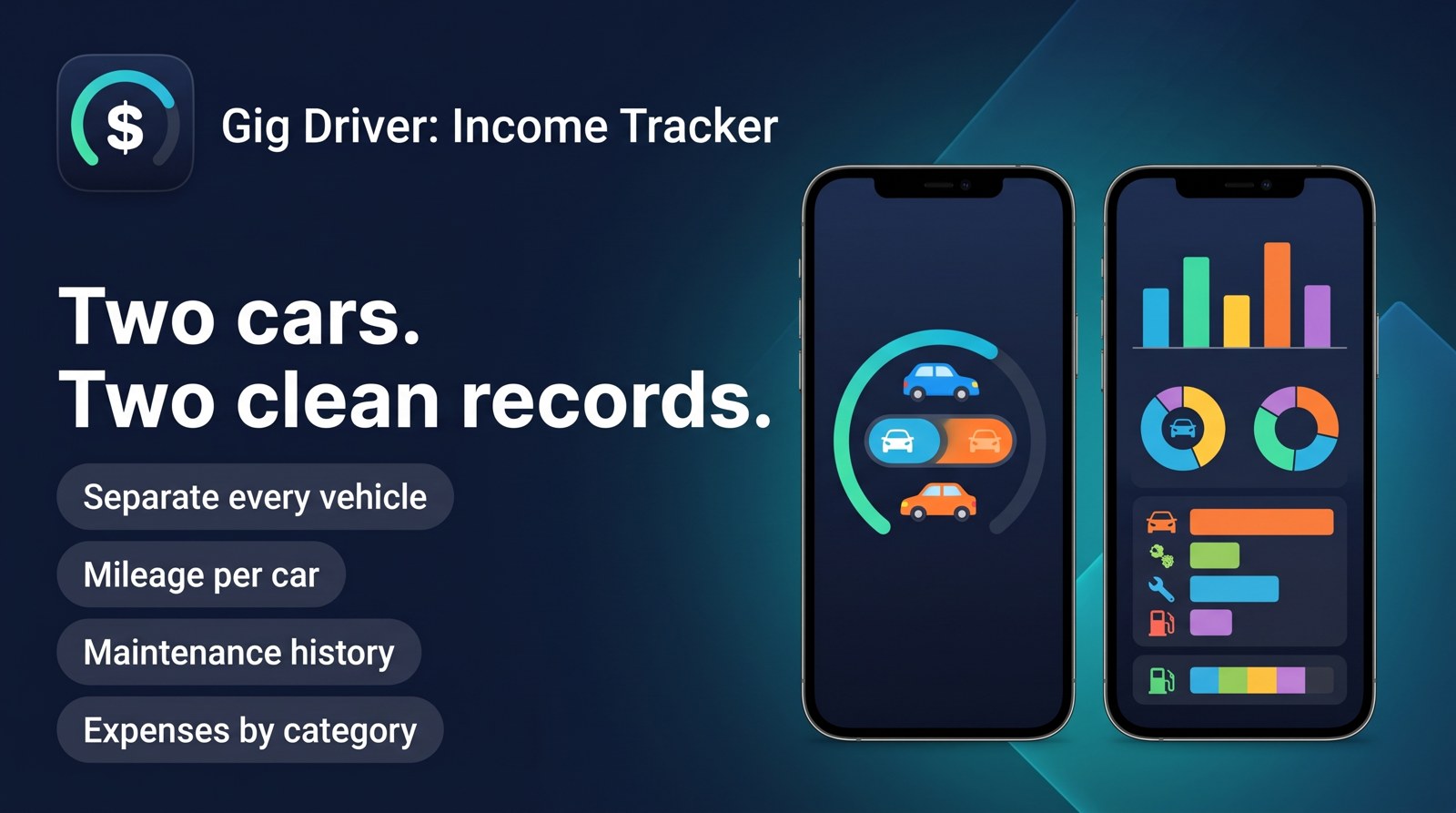

Plenty of drivers use more than one car for gig work. Maybe you drive a hybrid for rideshare and an older car for deliveries, you share a second car with a partner, or you switched cars partway through the year. When that happens, one combined log quickly stops making sense. The fix is simple: keep a separate set of records for each vehicle.
Why one combined log causes problems
Each car has its own costs. One gets better gas mileage, one needs new tires, one has a higher insurance premium. If every expense and every mile goes into one pile, you can't tell which car is actually making you money.
It also makes tax time harder. IRS Publication 463 explains that you figure car expenses for each vehicle, and you choose between the standard mileage rate and actual expenses for each one. Mileage and costs that are mixed together have to be untangled later, usually from memory.
What to keep for each car
For every vehicle you use for gig work, keep:
- Mileage. Odometer readings and trips, with each trip marked as business or personal.
- Expenses. Gas, insurance, registration, car washes, parking, and tolls for that car only.
- Maintenance. Oil changes, tires, brakes, and repairs, with the date and odometer reading.
- Income. If you drive one car for rideshare and another for delivery, note which car earned each payout.
- Receipts. A photo of each receipt, attached to the expense it belongs to.
A simple habit that keeps it clean
- Pick the car before you log. Make choosing the vehicle the first step of every entry.
- Record the odometer when you switch cars. If you swap vehicles mid-week, note both readings that day.
- Log maintenance on the right car the same day. Service history is most useful when it's complete.
- Review each car monthly. Compare income, expenses, and miles for each vehicle side by side.
What separate records tell you
Once each car has its own numbers, you can answer real questions. Which car costs more per mile? Is the older car still worth driving for deliveries, or are repairs eating the profit? Should one car be kept just for personal use?
One limit worth knowing: Publication 463 says you can't use the standard mileage rate if you operate five or more cars at the same time. Most drivers never get close, but it's one more reason the IRS thinks in terms of each vehicle.
How Gig Driver handles more than one vehicle
Gig Driver: Income Tracker lets you keep income, expenses, mileage, and maintenance separate for each vehicle. You can log trips and odometer readings, mark each trip as business or personal, keep a service history for every car with reminders for oil changes and other upkeep, and snap a photo of each receipt. Your quarterly tax estimate uses your real income and expenses, and Pro adds a year-end tax report as CSV or PDF for you or your accountant.
Tax figures in any app are estimates to help you plan, not tax advice. Check with a tax professional about your own situation.