
Published · By Henry Palma
Should Gig Drivers Use a Separate Bank Account? How to Keep Driving Money Apart
A separate bank account for gig driving money gives you a clean record of payouts and costs. Here's how rideshare and delivery drivers can set one up.
Using a separate bank account for your gig driving money is one of the simplest record-keeping habits you can build. When platform payouts land in one account and your driving costs come out of it, your statements become a ready-made record of what you earned and spent, and tax time stops being a hunt through a year of mixed personal spending.
Why mixing money makes records harder
If your Uber, Lyft, or DoorDash payouts land in the same account you use for groceries, rent, and streaming, every statement is a puzzle. To figure out what driving actually cost you, you have to pick the gas fill-ups and car washes out of everything else, and then remember which of those were for work.
The IRS makes the same point for small businesses in general. In Publication 583, Starting a Business and Keeping Records, it says one of the first things you should do when you start a business is open a business checking account, and that you should keep it separate from your personal checking account. A gig driver working as an independent contractor is running a small business, even if it's a side hustle.
What a separate account gives you
- A clean income trail. Each platform deposit shows up on its own line, so you can match payouts against the earnings screens in each app.
- Easier expense review. Gas, maintenance, car washes, parking, and tolls paid from the driving account are already grouped together.
- Less guesswork at tax time. You or your tax preparer can start from one set of statements instead of sorting personal and business charges line by line.
- A clearer picture of profit. When money in and money out sit in one place, it's easier to see what driving really leaves you after costs.
How to set it up
You don't need anything fancy. A basic checking account in your own name works for many drivers; some banks also offer accounts aimed at sole proprietors. Compare fees and minimum balances before you pick one.
- Open the account and give it an obvious nickname in your banking app, like "Driving."
- Point every platform payout to it. Update the payout or bank details in each gig app you drive for so all earnings land in the same place.
- Get a debit or credit card tied to it and keep it in the car for gas, car washes, parking, and tolls.
- Move money to personal on a schedule. Instead of spending straight from the driving account, transfer a set amount to your personal account weekly or every other week. That transfer is your "paycheck," and it keeps the driving account's history tidy.
- Leave some money behind for taxes. Gig income usually has no tax withheld. Some drivers move a share of each week's profit into a savings account set aside for taxes. How much depends on your situation, so check IRS guidance or a tax professional. Our post on quarterly estimated tax due dates for gig drivers covers when payments are due.
Habits that keep it clean
- Don't use the driving card for personal purchases. One stray dinner isn't a disaster, but if it happens, note it so you don't count it as a business expense later.
- If you pay a driving cost from your personal account, keep the receipt and write down that it was for work. You can pay yourself back from the driving account with a transfer and a short note.
- Mixed-use costs still need a split. Your phone plan, car insurance, and car payment are often used for both personal and business driving. A separate account doesn't decide the business share for you. See our post on recurring costs like insurance and phone plans.
- Keep receipts anyway. A bank statement shows the payee, amount, and date, but not always what you bought or why. Our guide to gig driver receipts covers what to keep.
- Keep a mileage log too. Bank records don't show the miles you drove for work. See how to keep a mileage log.
- Review it weekly. Glance at the account once a week, tag each expense with a category, and make sure every platform payout showed up. Our post on expense categories has a simple list to start with.
A separate account isn't the whole system
A driving-only account makes your bank records cleaner, but it doesn't replace your own log of income, expenses, and miles. Platform payouts can bundle several days of trips into one deposit, and statements don't record business purpose or mileage. Think of the account as the money side and your log as the details side, and check them against each other now and then.
Keeping the details side on your phone
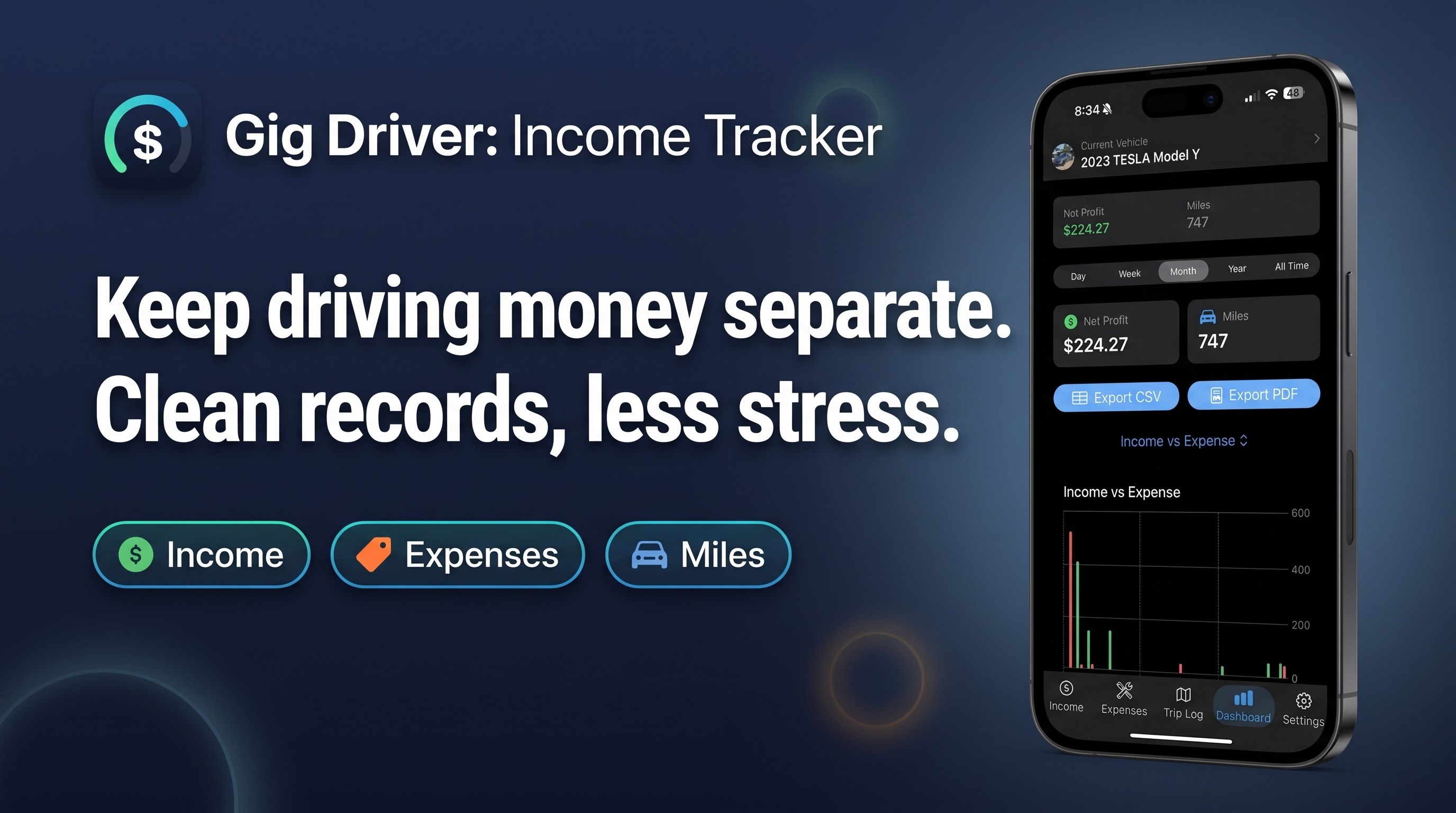
A spreadsheet and a folder of receipt photos can do the job. If you'd rather keep it on your phone, Gig Driver: Income Tracker on the App Store is one option. Import Screenshot fills in the platform, amount, and miles from an Uber earnings screenshot, and Scan Receipt pulls the amount and date from a receipt and keeps the receipt attached to the expense. It also keeps a Trip Log for mileage, sorts expenses into categories, tracks maintenance, records income across multiple platforms, and shows your profit after expenses, which makes it easy to compare against what landed in your driving account.
However you track it, keeping your driving money in its own account is a small change that pays off every time you need to know what you really earned.