
Published · By Henry Palma
Gig Driver Tolls and Parking Fees: How to Track Them So They Don't Slip Away
Tolls and parking fees are easy to lose track of. Here's what gig drivers should record for each one, how to handle toll bills, and why tickets stay separate.
Tolls and parking are some of the smallest costs in gig driving, and some of the easiest to lose. Log each one the same day with the date, amount, place, and the trip it belonged to, and keep the receipt or statement line. IRS Publication 463 says you can deduct business-related parking fees and tolls in addition to using the standard mileage rate, so these records matter no matter which car-expense method you use.
Why tolls and parking slip through the cracks
A $3 toll or a short parking meter stop doesn't feel worth writing down in the middle of a shift. Many tolls are charged later through a transponder or a pay-by-plate bill, so there is no paper receipt in your hand when it happens. Parking might be paid in cash, through a meter app, or at a garage kiosk.
Each charge is small, but they repeat. Over a few months, scattered tolls and parking fees can become a real amount that never makes it into your records, which means your profit looks higher than it really is.
What the IRS says about tolls and parking
IRS Publication 463 covers car expenses. A few points from it are directly useful for drivers:
- Tolls and parking are separate from the mileage rate. Pub 463 says that in addition to using the standard mileage rate, you can deduct business-related parking fees and tolls. They are not already covered by the per-mile rate.
- Commuting parking doesn't count. Pub 463 says parking fees you pay at your regular place of work are nondeductible commuting expenses. Parking during business driving is a different situation.
- Tickets are not deductible. Pub 463 says you can't deduct fines you pay for traffic violations. A parking ticket or a toll violation penalty is not the same as a toll or a parking fee.
Rules for your exact situation can depend on how you file, so check IRS guidance or ask a tax professional before you claim anything. Your job during the year is to keep clean records so that conversation is easy.
What to record for every toll and parking charge
Keep the same short set of details each time:
- Date of the charge.
- Amount you paid.
- Where: the toll road, bridge, garage, lot, or street.
- Business purpose: the trip, pickup, or delivery it was for, and which app you were driving for.
- Proof: a receipt, a screenshot of a parking app, or the line on your toll account statement.
If you drive more than one car, also note which vehicle it was.
Tolls: how to keep track when there's no receipt
Most toll charges show up later, on a toll account or a mailed bill. A simple habit works well:
- Log the toll in your records the same day, even if you have to estimate which plaza it was. Note it as "pending statement."
- When the toll statement arrives, match each line to a logged trip and save a copy of the statement.
- If you use one transponder for both personal and gig driving, mark which charges were business. Personal tolls stay out of your business records.
If a platform paid you back for a toll, check how it appears on your earnings statement so you don't count the same cost twice. A tax professional can tell you how to handle reimbursed tolls.
Parking: receipts, meters, and apps
Parking is easier to prove if you capture it right away:
- Garages and lots: keep the printed receipt or take a photo of it before you drive off.
- Parking apps: screenshot the session or save the emailed receipt.
- Cash meters: note the amount, time, and location in your log right away, since there is often no receipt.
Keep tickets separate. If you get a parking ticket while working, it is still a cost to you, but per Pub 463 fines for traffic violations aren't deductible. Track it if you want to see your true cost, just don't file it under parking fees.
Give tolls and parking their own category
Putting tolls and parking in their own expense category makes them easy to total for the month or the year, instead of mixing them in with gas or "other." If you want a fuller system, see Gig Driver Expense Categories: How to Sort Your Driving Costs. For the paper side, Gig Driver Receipts: What to Keep and How to Organize Them covers a same-day receipt habit, and How to Keep a Mileage Log as a Gig Driver covers the trip records your tolls should line up with.
Paying tolls and parking from a dedicated account also helps, since every charge then sits on one statement. See Should Gig Drivers Use a Separate Bank Account?.
A quick weekly toll and parking check
Once a week, take five minutes:
- Compare your toll account and parking app history with what you logged.
- Add anything you missed and attach the receipt or statement.
- Mark any personal charges so they stay out of your business totals.
- Look at the weekly total next to your income so you can see what these small costs take from your profit.
Logging parking and tolls with Gig Driver: Income Tracker
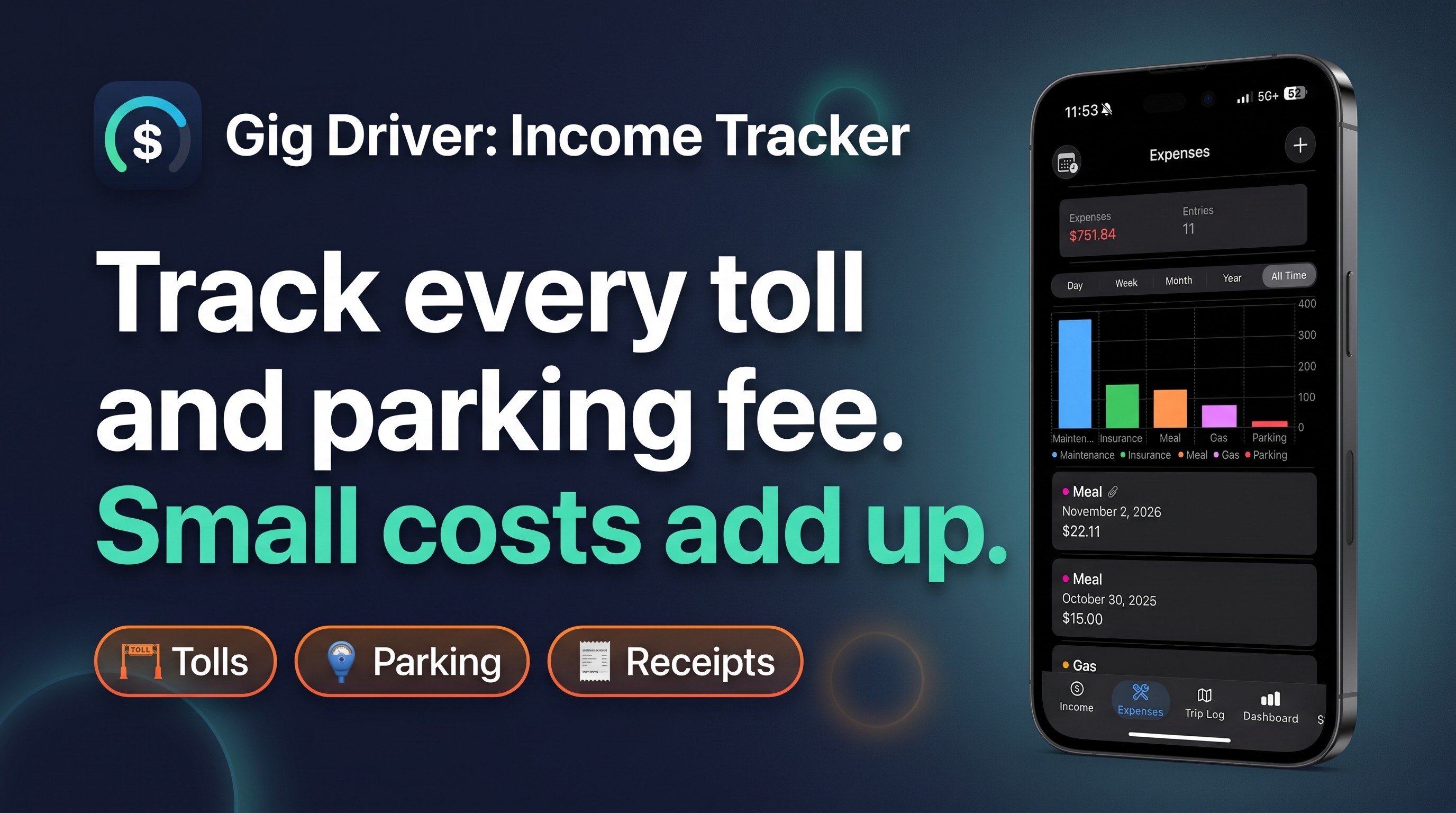
If you want one place for this, Gig Driver: Income Tracker is an iPhone app for rideshare and delivery drivers. You can log expenses by category, and Scan Receipt pulls the amount and date from a receipt photo and keeps the receipt attached to the entry. Your expenses sit next to your income from several platforms and your trip log, so you can see profit after expenses instead of just payouts. This short shows a parking fee being logged:
Whatever tool you use, the habit is the same: record each toll and parking fee the day it happens, keep the proof, and keep fines and personal charges separate.