
Published · By Henry Palma
How Gig Drivers Can Track Gas Spending and Fuel Cost Per Mile
Gas is a gig driver's biggest everyday cost. Here's what to record for each fill-up, how to find your gas cost per mile, and how gas fits your tax records.
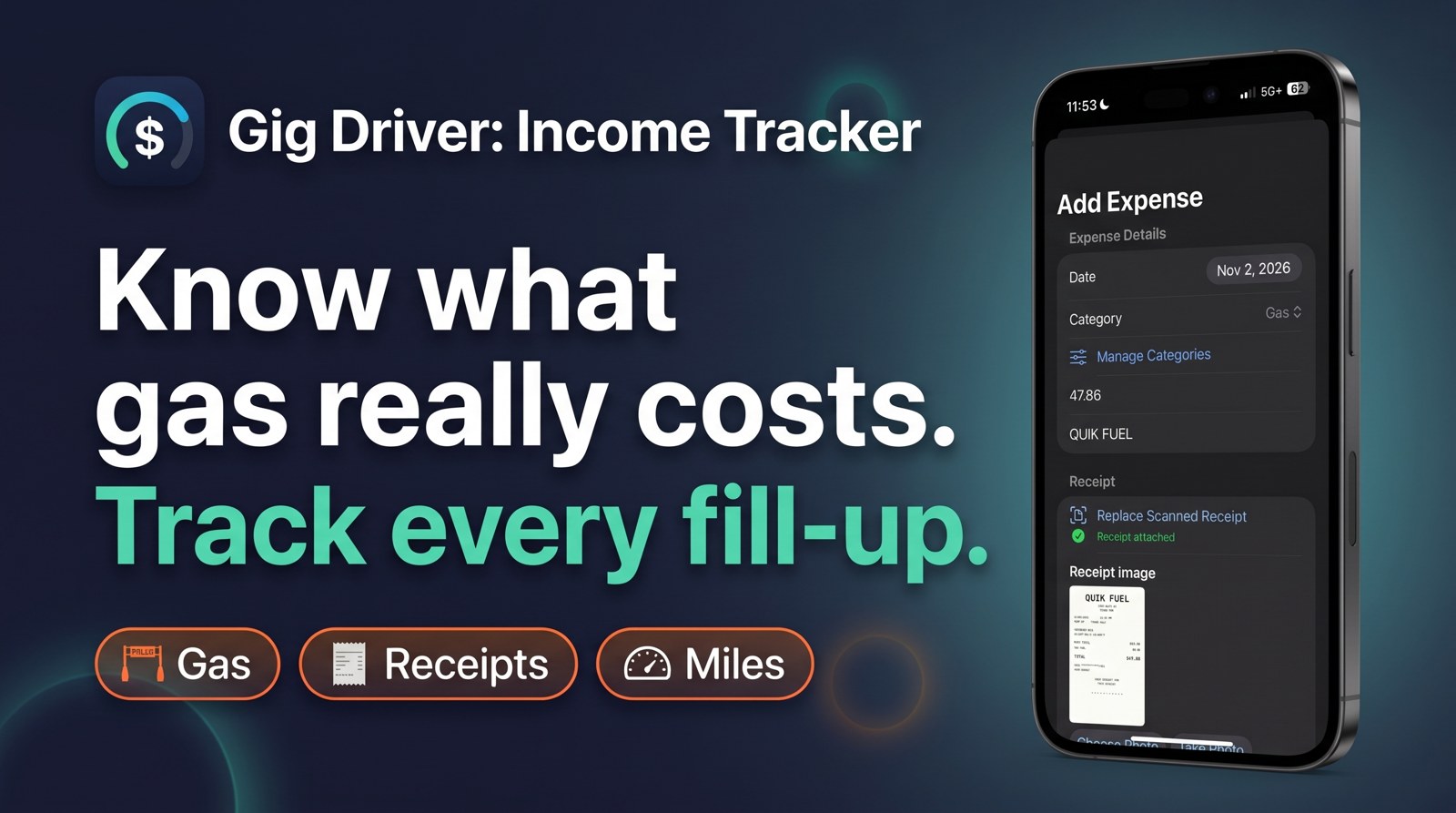
Gas is usually the biggest cost you pay on every shift, and it's the easiest one to lose track of. Log every fill-up the day it happens, with the date, amount, and receipt, and compare your total gas spending against the miles you drove. That one habit shows you what driving really costs and keeps your records ready if you ever need them.
Why gas spending is easy to underestimate
Fill-ups are small, frequent, and paid at the pump in a few seconds. Some weeks you fill up twice, some weeks four times, and the amounts change with prices and how much you drove. Without a running total, most drivers guess, and a guess tends to come in low.
Gig app payout screens don't help here. They show what each platform paid you, not what you spent to earn it. If you only look at payouts, a busy week can feel better than it was.
What to record for every fill-up
Keep it simple. For each fill-up, write down:
- Date of the purchase
- Amount you paid
- Where you bought it (the station name on the receipt is enough)
- The receipt itself, or a photo of it
Thermal gas receipts fade, especially left on a dashboard in the sun, so snap a photo before the paper goes in your pocket. Our post on what receipts gig drivers should keep covers the same-day habit in more detail.
Pair gas with your miles
A gas total on its own only tells you half the story. Put it next to the miles you drove in the same period and you can see your gas cost per mile:
- Add up what you spent on gas for the week or month.
- Add up the miles you drove for gig work in the same period.
- Divide the gas total by the miles.
That number moves with gas prices, your car, traffic, and how much you idle between orders. Tracking it over time shows when a change, like a different zone or shorter wait times, actually saves you money. To keep the miles side accurate, see how to keep a mileage log as a gig driver.
Gas and your taxes: the standard mileage rate question
How gas shows up on your taxes depends on the method you use for car expenses. According to IRS Publication 463, if you use the standard mileage rate for a year, you can't also deduct actual car expenses for that year, and gasoline is one of the actual expenses it lists. If you use the actual expense method instead, gas is part of what you add up.
Either way, your gas records still matter. They show your real costs, help you compare the two methods, and back up your numbers. The rules have details and exceptions, so check IRS guidance or talk to a tax professional before you decide which method fits you.
Make gas part of your profit picture
Gas is only one line in your costs. Sort it into its own category next to maintenance, insurance, parking, and the rest, so you can see how big it is compared to everything else. Our guide to gig driver expense categories shows a simple list to start with.
Once gas is logged, subtract it and your other costs from your payouts. That's the number that tells you what you kept, and it's the starting point for figuring out your real hourly earnings after expenses.
A quick fill-up routine
- Snap the receipt before you pull away from the pump.
- Log the amount and date the same day.
- Once a week, add up gas and miles and check your gas cost per mile.
- Once a month, look at gas as a share of your total costs.
One way to log fill-ups faster
If you want to skip typing receipts, Gig Driver: Income Tracker has a Scan Receipt option: you take or pick a photo of the receipt, it pulls in the amount and date, and the receipt stays attached to the expense. You pick the Gas category and save. The app also keeps a Trip Log for your miles, tracks income from several gig platforms, and shows your profit after expenses, so gas sits right next to everything else.