
Published · By Henry Palma
A 15-Minute Weekly Money Check-In for Gig Drivers
A simple weekly routine for rideshare and delivery drivers to check payouts, log expenses and miles, review profit, and keep records ready for tax time.
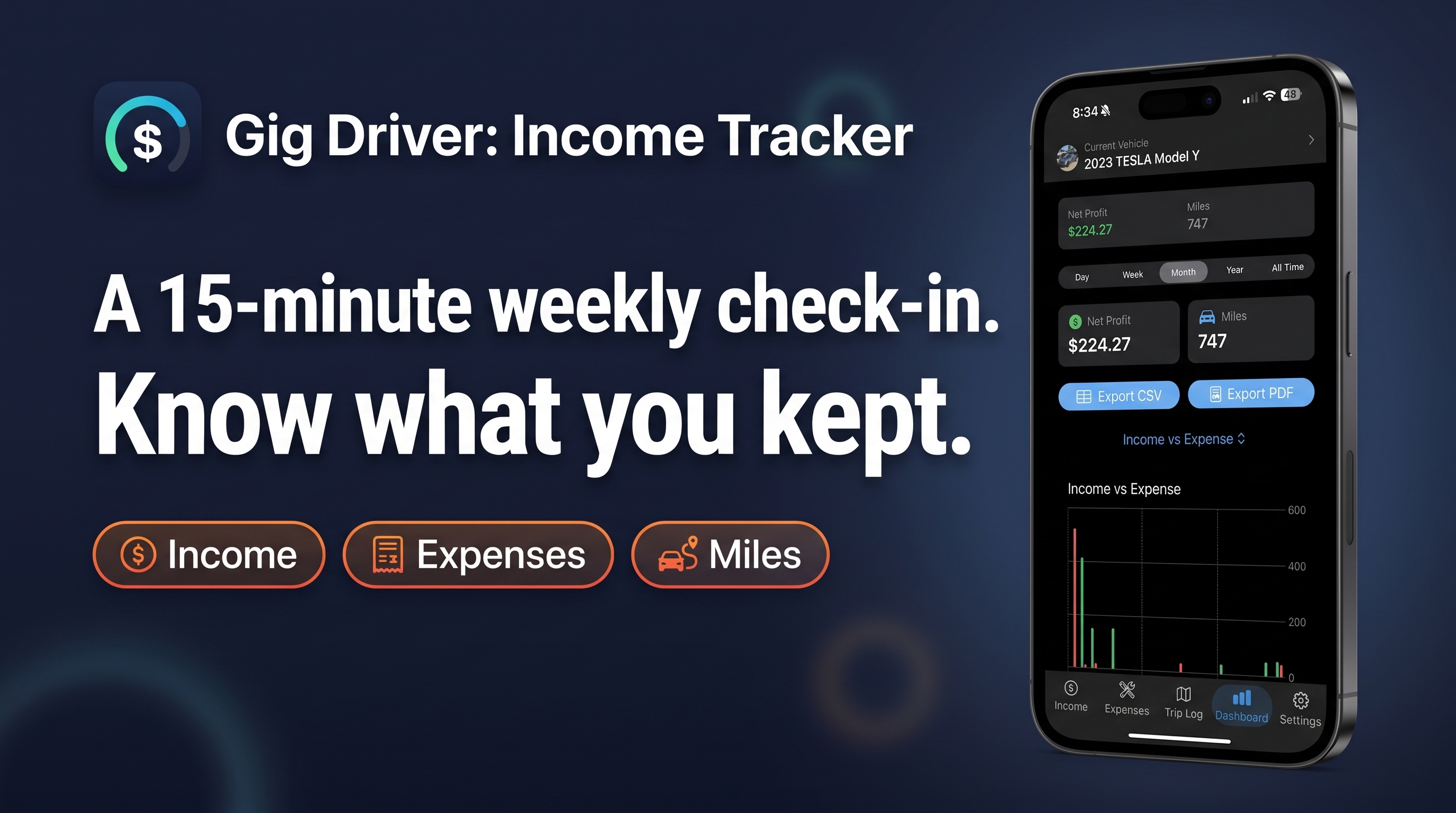
Set aside 15 minutes once a week, on the same day, to bring your gig driving records up to date: check each app's payouts against what you logged, catch up on missing expenses and receipts, close out the week's mileage, and look at what you actually kept after costs. A short weekly habit beats a long, painful catch-up session at the end of the quarter or the year.
Why a weekly check-in works
Daily logging is ideal, but real weeks get messy. A weekly check-in is the safety net that catches whatever slipped through.
- Receipts fade and get lost. Paper receipts end up in door pockets, cup holders, and the wash. Some thermal receipts also fade over time. A week is usually short enough that you still have them.
- Memory fades faster than you think. You can probably remember why you bought a phone mount last Tuesday. You probably can't remember it in March.
- Payout problems are easier to fix early. If a payout looks short or a tip seems to be missing, it's easier to sort out with the platform while the trip is recent.
- Small gaps stay small. Fixing one missing day takes a minute. Rebuilding three missing months takes a weekend.
Pick a day and time that fits your schedule, such as Sunday evening or the morning of your usual day off, and treat it like any other appointment.
The 15-minute weekly checklist
Work through these steps in order. Most weeks, several of them take less than a minute.
1. Check each platform's payouts against your records
Open each app you drove for this week, whether that's Uber, Lyft, DoorDash, Instacart, or others, and find the weekly earnings summary. Compare it with what you recorded for the same days.
- Add any trips, deliveries, or tips you forgot to log.
- Flag anything that looks off, like a payout lower than expected or an adjustment you don't recognize.
- Note bonuses or promotions separately so you know where the money came from.
If you drive for several apps, keeping them in one place makes this step much faster. Our guide to tracking income across multiple gig apps covers how to set that up.
2. Catch up on missing expenses and attach receipts
Go through your wallet, car, email, and bank or card statement for the week. Log any work expense you haven't recorded yet: gas or charging, car washes, parking, tolls, supplies, phone accessories, and repairs.
Snap a photo of each paper receipt and keep it with the entry, then toss or file the paper. If you're not sure which receipts are worth keeping, see what receipts gig drivers should keep.
3. Confirm your mileage log is complete
Look at each day you drove and make sure there's a mileage entry for it. Fill gaps now while you can still piece them together from the apps' trip history and your own memory. A day with earnings but no miles is the most common gap to look for.
For what each entry should include, see how to keep a mileage log as a gig driver.
4. Categorize everything
Make sure every expense you logged this week has a category. Uncategorized entries are easy to fix today and annoying to sort out later. Use the same category names every week so your totals stay comparable. If you need a starting list, see gig driver expense categories.
5. Look at your profit after expenses
Now that income and expenses are complete, subtract the week's expenses from the week's earnings. That number, not the total the apps show you, is what you actually kept.
Then divide it two ways:
- Per hour: profit after expenses divided by the hours you were online, including waiting time.
- Per mile: profit after expenses divided by the miles you drove for work.
Write both down every week. One week tells you little. Several weeks side by side show which days, times, and apps are worth your time. For the full method, see how to figure your real hourly earnings after expenses.
6. Note anything unusual
Add a one-line note for anything that made this week different: a repair, a slow week because of weather, a new app you tried, a payout you're disputing, or a big event that brought surge demand. These notes explain the numbers when you look back later.
7. Set aside money for taxes
Gig platforms generally don't withhold income tax from your pay, so it's up to you to plan for it. Move some of this week's profit into a separate savings account set aside for taxes, so the money is there when payments come due. How much to set aside depends on your situation, so check current IRS guidance or a tax professional rather than guessing.
8. Back up your records
Make sure your records exist somewhere other than one phone or one notebook. Export a copy, sync to a cloud backup, or photograph notebook pages. The IRS's Recordkeeping page explains why records matter and how long to keep them.
A monthly and quarterly add-on
Once a month, add about ten more minutes:
- Review totals by category. Look for costs that are creeping up, like maintenance on an aging car.
- Compare the month's per-hour and per-mile numbers with last month's.
- Check upcoming maintenance so an oil change or new tires doesn't catch you off guard.
- Reconcile against your bank deposits to make sure every platform payout actually arrived.
Once a quarter, before an estimated tax deadline, pull together your profit for the period and review what you've set aside. Our post on quarterly estimated tax due dates for gig drivers lists the dates to put on your calendar. For the rules on car expenses and the records that support them, see IRS Publication 463, and check current IRS guidance or a tax professional for your specific situation.
Doing it on your phone
A spreadsheet or notebook works fine for this routine. If you'd rather keep everything on your phone, Gig Driver: Income Tracker is one option. Import Screenshot fills in the platform, amount, and miles from an Uber earnings screenshot, which speeds up the payout check. Scan Receipt pulls the amount and date from a receipt and keeps the receipt attached to the expense. It also keeps a Trip Log for mileage, sorts expenses into categories, tracks maintenance, records income across multiple platforms, and shows your profit after expenses, so most of the checklist happens in one app.
Whatever you use, the routine is what matters: same day, same steps, every week. Fifteen minutes now saves hours of digging later.