
Published · By Henry Palma
Gig Driver Year-End Records Checklist: Close Out Your Year Before Tax Time
A year-end checklist for rideshare and delivery drivers: reconcile earnings, check 1099s, finish your mileage log, sort receipts, and back up your records.
Before the year ends, close out your gig driving records in one sitting: match each platform's yearly earnings against your own log, check the tax forms you expect to receive, finish your mileage log and write down your year-end odometer reading, sort and back up your receipts, and work out what you actually kept after expenses. Doing it now, while December trips and receipts are still fresh, makes tax time a matter of handing over organized numbers instead of rebuilding a year from memory.
Why close out your year in December
The weeks before January are the easiest time to fix gaps. Platform trip histories are easy to reach, your bank statements are recent, and you can still remember most of the odd expenses from the fall. Once tax forms start arriving, you want to be checking them against records you already trust, not scrambling to create those records.
Block out an afternoon in December, then do a short final pass after your last shift of the year.
The year-end records checklist
Work through these steps in order. Each one builds on the one before it.
1. Reconcile each platform's yearly earnings with your log
Open every app you drove for this year, whether that's Uber, Lyft, DoorDash, Instacart, or others, and find its yearly or monthly earnings summaries. Compare each one with what you recorded for the same period.
- Add any trips, deliveries, tips, or bonuses missing from your log.
- Note fees, adjustments, or chargebacks you don't recognize and look into them now.
- Check that the payouts actually landed in your bank account.
- Keep a copy of each platform's summary with your records for the year.
If you drove for several apps, keeping all of them in one place makes this much faster. See our guide to tracking income across multiple gig apps for a simple setup.
2. Know which tax forms may arrive, and report all income anyway
Platforms and payment processors may send you an information return early in the new year. The IRS names Form 1099-K, Form 1099-NEC, and Form 1099-MISC among the forms that can report gig income. According to the IRS page Understanding your Form 1099-K, Form 1099-K reports payments you received for goods or services through payment cards or through payment apps and online marketplaces, and it lists car sharing and ride-hailing platforms among the places a 1099-K can come from. Payment apps and online marketplaces must send you a copy by January 31. That same page states that a payment app or online marketplace must report when payments for goods or services through the platform exceed $20,000 in more than 200 transactions, and that you may receive a Form 1099-K even when you are below that threshold. Form 1099-NEC is used to report nonemployee compensation (About Form 1099-NEC).
The most important point: a form is not what makes income taxable. The IRS Gig economy tax center says you must report gig economy income on a tax return even if it is from part-time or side work, or is not reported on a form like a 1099-K, 1099-MISC, 1099-NEC, or W-2. The 1099-K page says the same thing: whether or not you receive a Form 1099-K, you must report all income.
That's why step 1 matters. When forms arrive, compare each one with your own yearly totals for that platform. If a number doesn't match, find out why before you file. Thresholds and rules can change, so check current IRS guidance or a tax professional for your situation.
3. Finish your mileage log and record your year-end odometer reading
Go through every day you drove this year and make sure each one has a mileage entry. A day with earnings but no miles is the most common gap. Use each app's trip history to fill what you can.
Then write down your car's odometer reading on the last day of the year, and find your reading from the start of the year (or the day you began driving for work). IRS Publication 463 lists the records it expects for car expenses: the mileage for each business use and the total miles for the year. Your start and end odometer readings give you that total. Pub 463 also says records are most reliable when made at or near the time of the trip, so a log you kept along the way carries more weight than one rebuilt in April.
For what each entry should include, see how to keep a mileage log as a gig driver.
4. Gather receipts and categorize your expenses
Pull together every work receipt from the year: paper ones from the car and your wallet, email receipts, and charges on your bank and card statements. Photograph any paper receipts that aren't saved yet. Thermal paper can fade, so don't leave this until spring.
Then put every expense into a category, such as gas or charging, maintenance and repairs, insurance, phone, car washes, parking and tolls, and supplies. Category totals are what you or your tax preparer will actually work from.
- Not sure what to keep? See what receipts gig drivers should keep.
- For a simple set of categories, see gig driver expense categories.
5. Total up your recurring costs
Recurring bills are easy to forget because they never come with a receipt in your hand. List the monthly and yearly costs tied to your driving, such as car insurance, your phone plan, and any subscriptions you use for work, and make sure each month is accounted for. Note how much of each cost relates to your gig work, since some of these are shared with personal use.
Our post on recurring expenses like insurance and your phone plan covers how to track them.
6. Pull together your maintenance records
Collect the year's oil changes, tires, brakes, repairs, and inspections in one place, with the date, the cost, the shop, and the odometer reading where you have it. These records support your expenses, help you plan next year's costs, and are useful if you ever sell the car.
See vehicle maintenance costs for gig drivers for what to track.
7. Back up everything
Once the year is complete, make a copy that lives somewhere other than your phone or car.
- Export your logs and spreadsheets to a file.
- Save receipt photos and platform summaries to cloud storage or a computer.
- Keep a second copy somewhere separate.
Pub 463 says that, generally, you should keep records that support a deduction or an item of income for 3 years from the date you file the return, and it points to Publication 583 for a fuller explanation. Some situations call for keeping records longer, so check the publication or a tax professional.
8. Work out your profit after expenses for the year
With income reconciled and expenses categorized, do the simple math: total income from all platforms, minus your total work expenses. That's your profit for the year, and it's a far more useful number than gross earnings. It tells you what driving actually paid, and it's the starting point for your tax return.
Look at it next to your total business miles and your hours, if you track them. It's a good moment to decide whether any platform, area, or time of day was worth more or less than you thought.
Plan for quarterly estimated taxes next year
If no tax is withheld from your gig income, the IRS Estimated taxes page explains that the year is divided into four payment periods, each with its own due date, and that you may owe a penalty if you don't pay enough by each due date, even if you're due a refund when you file. It also notes you can pay more often, such as weekly or monthly, as long as you've paid enough by the end of each period.
Your profit from this year gives you a starting point for estimating next year. Our post on quarterly estimated tax due dates for gig drivers lists the dates to put on your calendar. For how much to pay and whether you need to, check IRS guidance or a tax professional.
Keeping next year's records in one place
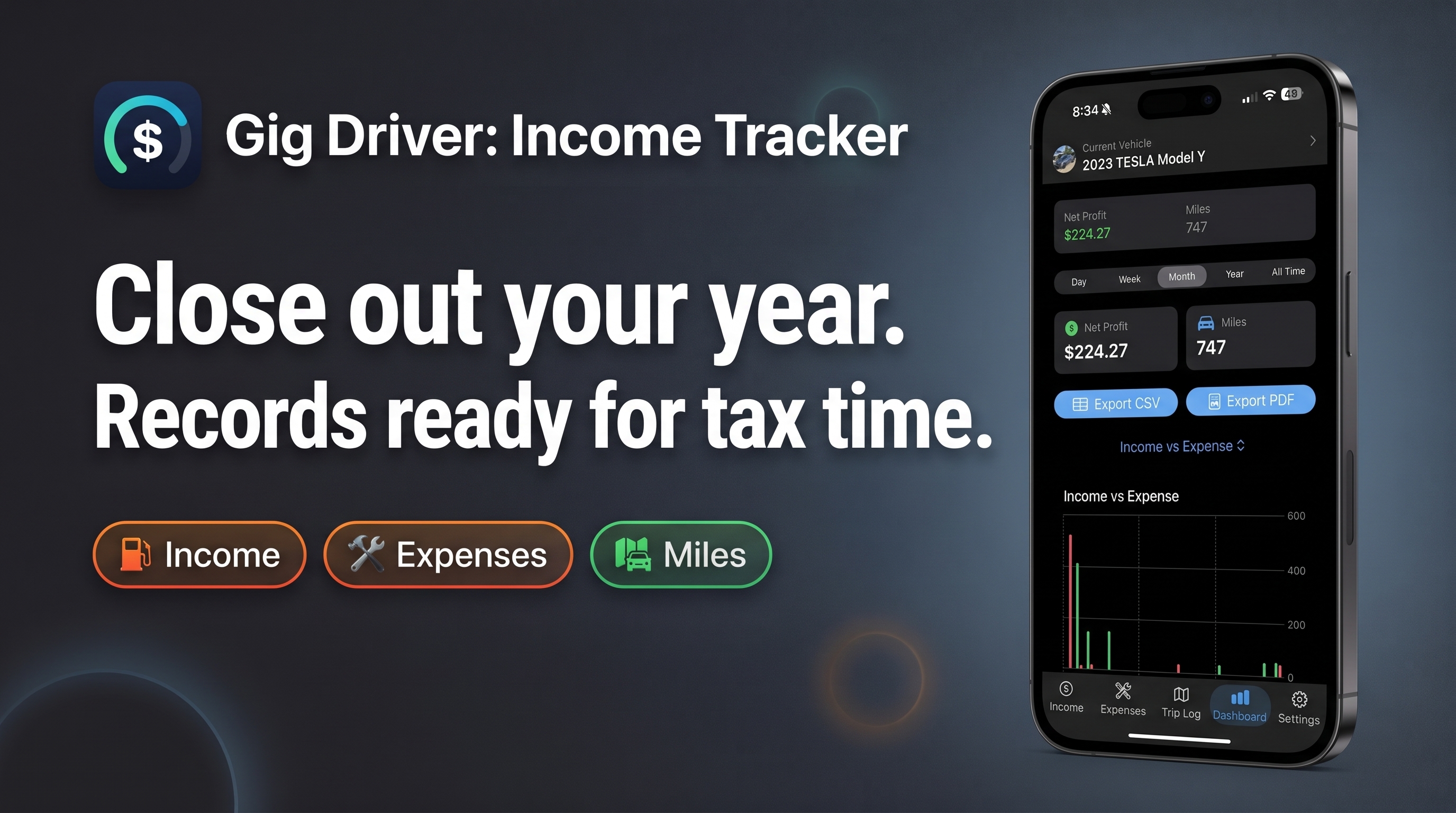
A spreadsheet and a folder of receipt photos can handle all of this. If you'd rather keep it on your phone, Gig Driver: Income Tracker on the App Store is one option. Import Screenshot fills in the platform, amount, and miles from an Uber earnings screenshot, and Scan Receipt pulls the amount and date from a receipt and keeps the receipt attached to the expense. It also keeps a Trip Log for mileage, sorts expenses into categories, tracks maintenance, records income across multiple platforms, and shows your profit after expenses, so most of this checklist is already done when December comes around.
Whatever tool you use, close out this year now and keep next year's records up to date as you go. The year-end checklist gets much shorter when the records already exist.